Turning Google Reviews Into a Feedback Loop That Actually Improves Your Restaurant
Quick answer: Read a month of reviews at once instead of one at a time, tag them by theme in a simple spreadsheet, bring the patterns (not individual complaints) to a staff meeting, and tell guests what changed. Reviews are more useful as a monthly signal than as a stream of one-off comments.
Why reading reviews one at a time misses the pattern
Most owners read reviews as they arrive: a notification pops up, they glance at it, maybe reply, move on. That's fine for handling any single review, but it's a bad way to spot patterns. A single comment about slow service on a Friday night could be one unlucky guest. Five comments about slow service on Friday nights over a month is a staffing problem.
The fix isn't complicated. Once a month, set aside twenty or thirty minutes and read through everything at once, in order, rather than piecing it together from memory. Patterns that are invisible day to day tend to jump out immediately when you see a month of reviews side by side.
What to look for
A few categories come up again and again across restaurants, though yours may differ:
A simple way to tag them
You don't need special software for this. A spreadsheet with a handful of columns works:
After a month, sort by theme tag. You'll see immediately which categories have three or four mentions versus which have one. The one-off comments are still worth reading and replying to individually, but they're not what you bring to a staff meeting. The clusters are.
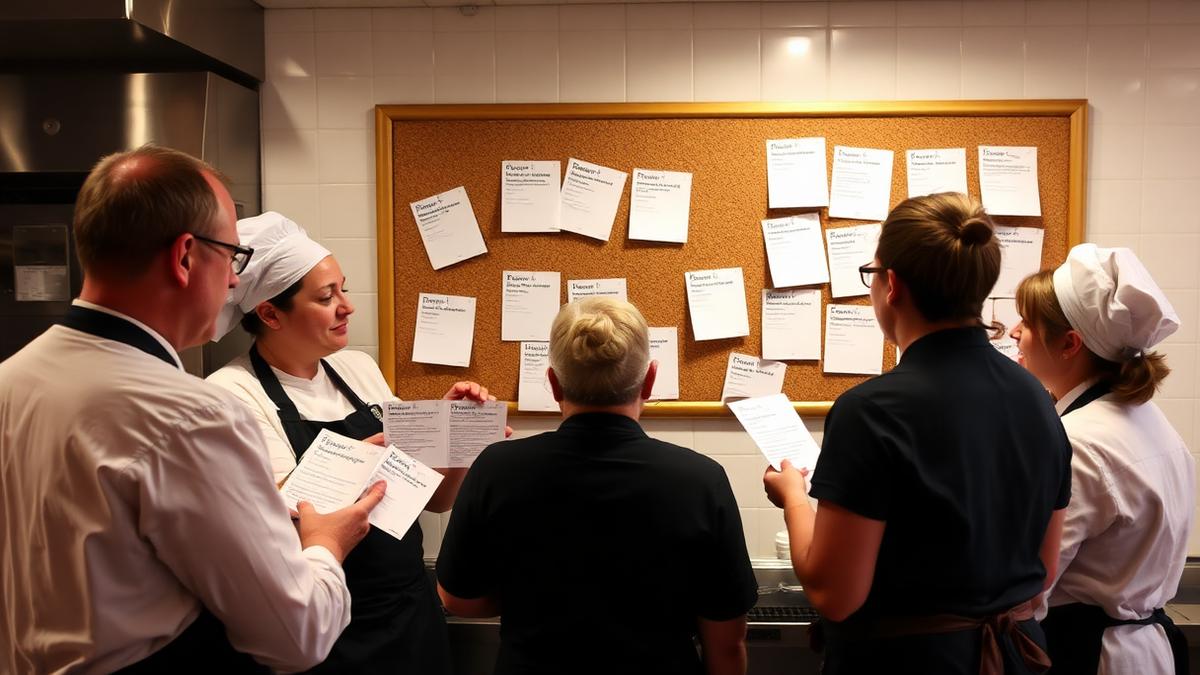
Bringing it to a staff meeting
The mistake to avoid here is reading complaints out loud verbatim. That puts staff on the defensive and turns a useful conversation into a blame session. Instead, present the pattern as a fact to solve together: "Four reviews this month mentioned slow service specifically on Friday and Saturday dinner. What's happening during that window that's different from a Tuesday?"
Framed that way, the team usually has useful context you don't: maybe the ticket printer is slow, maybe the same two servers are always on that shift, maybe the kitchen runs short on a specific station. The review data tells you where to look. The staff conversation tells you why.
Closing the loop with guests
The step most restaurants skip is telling guests what changed. If you added a second host at the door because reviews kept mentioning long waits at checkout, or you retrained a recipe because a dish kept coming up short, that's worth saying somewhere guests will see it. It doesn't need to be a big announcement. A line in a reply to a recent review, a mention on a social post, or a quick note on your Google Business Profile update is enough.
Imagine a restaurant called Maple & Vine. Over one month, six reviews mention long waits for takeout pickup specifically between 6 and 7pm. The owner adds a dedicated staff member to manage that window during the busiest days. The following month, a review still mentions a wait, and the owner replies mentioning the change already made and thanking the guest for the patience while it settles in. That reply does more to build trust than a generic apology would, because it shows the feedback loop actually closed.
For guidance on how to write those individual replies well, see the review reply guide. And if you're trying to get more reviews in the first place so this monthly read has enough data to work with, how to ask for Google reviews covers ways to do that without sounding pushy.
Where this is heading
Here's something worth noticing about the process above: to write a genuinely good reply to a review, you already have to read it in context, understand what the guest is actually describing, and connect it to what you know about your restaurant. That's the same groundwork needed to spot a pattern across a month of reviews. The two tasks share a foundation.
That overlap is part of why we think review reply tools, including Wimi, are a natural starting point for something bigger: surfacing patterns automatically instead of asking owners to build a spreadsheet by hand every month. We want to be clear that this is a direction we're interested in, not a feature that exists today. If deeper, automated insight into review patterns is something you'd find useful, it's worth thinking about now, even while the process above still has to be done manually.
What to track monthly, at minimum
If you do nothing else, track three things every month: overall rating trend, count of reviews mentioning service speed, and count of reviews mentioning a specific dish or menu item. Those three alone will surface most of the operational issues worth acting on, and they take less than half an hour to pull together by hand.
Reviews are often treated as a reputation problem to manage rather than a source of information to use. Read closely and in aggregate, they're one of the more honest, unsolicited sources of feedback a restaurant gets, because guests write them without being asked and without a survey nudging their answer in any direction.
If you want to see how a well-written reply looks when it's grounded in this kind of context, see what Wimi would draft for your last review, free.
Frequently asked questions
- How can reviews improve service?
- Individually, a single review rarely proves much. Read in aggregate over a month, though, reviews often reveal real patterns, like complaints clustering around a specific shift, dish, or time of day, that point directly at an operational fix rather than a vague sense that something's off.
- What should an owner track monthly?
- At minimum, overall rating trend, the count of reviews mentioning service speed, and the count of reviews mentioning a specific dish or menu item. A simple spreadsheet with date, rating, and a theme tag per review is enough to spot clusters without special software.
- Should I read out negative reviews word for word in a staff meeting?
- It's usually better not to. Reading verbatim complaints can put staff on the defensive. Presenting the pattern as a shared problem to solve, rather than a specific comment to react to, tends to lead to a more useful conversation.
- How do I close the loop with guests after making a change based on reviews?
- You don't need a big announcement. Mentioning the change in a reply to a related review, a social post, or an update to your Google Business Profile is usually enough to show guests that feedback is actually acted on.
Mahrukh Akram
Mahrukh Akram writes about local discovery and reputation for independent restaurants at Wimi.