Your Google Profile Is a Second Host Stand
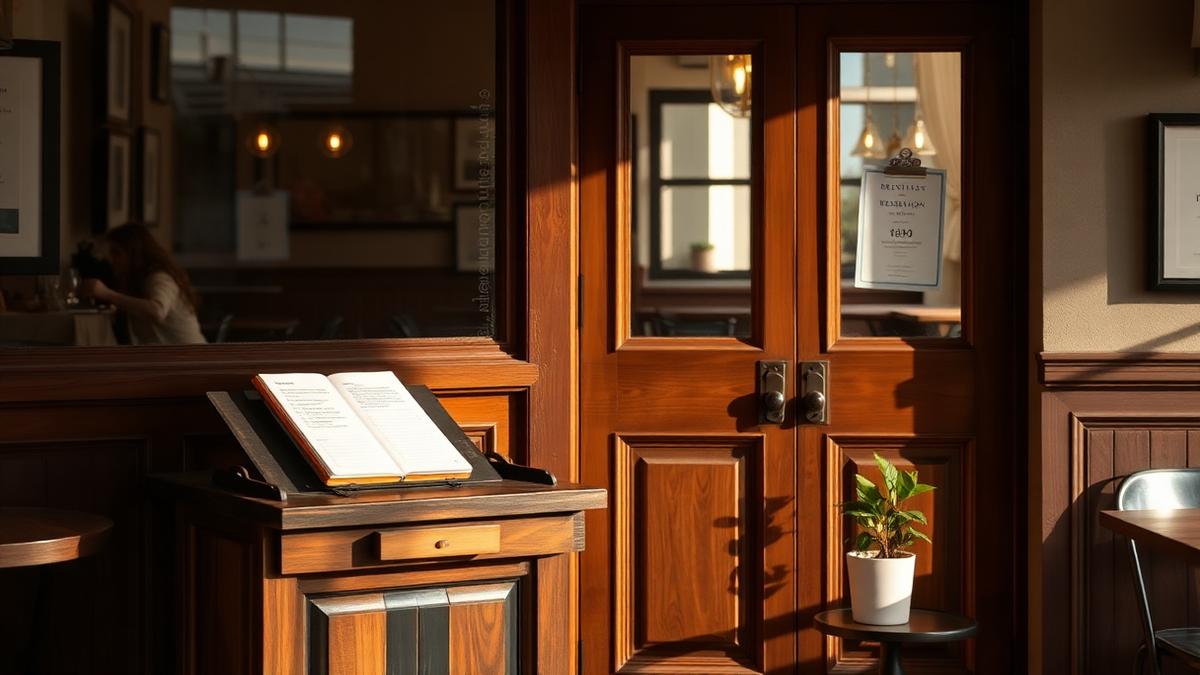
Think about the last time a guest walked through your front doors. Your host likely greeted them with a smile, confirmed their reservation, and told them about the night's specials. This interaction sets the tone for the entire meal.
But here is the reality. For most of your customers, that interaction isn't the first time they meet your brand.
Their journey started twenty minutes earlier on a sidewalk or a couch while they scrolled through Google. Before they see your dining room, they see your Google Business Profile. If your physical restaurant has a host stand, then your Google profile is your second host stand.
It is the digital front door of your business. If it is cluttered, out of date, or silent, it feels exactly like a guest walking into your lobby and finding nobody there to greet them.
The Job of a Great Digital Host
What makes a host great? They provide clarity, they answer questions, and they make people feel welcome. Your Google profile needs to do the same things.
When a hungry diner finds you on Google, they are looking for specific signals to decide if they should drive to you or the place down the street.
If your second host stand is well-managed, the guest arrives at your physical door already sold on the experience.
The Guest Journey: From Search to Seat
Let's look at how a guest actually interacts with your profile. It usually follows a specific path.
1. The Discovery
Most guests start with a broad search like "best tacos near me" or "brunch open now." If your hours are listed correctly and your menu is uploaded, you show up. If not, you are invisible.
2. The Credibility Check
Once they click your name, they go straight to the reviews. They aren't just looking at the star rating. They are looking to see if you care. When a guest sees a manager responding to reviews, it signals that the restaurant is attentive. See our restaurant review reply guide for how to write those replies well.
3. The Visual Confirmation
Next, they swipe through photos. They want to see the vibe and the portion sizes. If your most recent photo is old, it feels like the lights are off. Fresh photos act like a "now seating" sign.
4. The Final Action
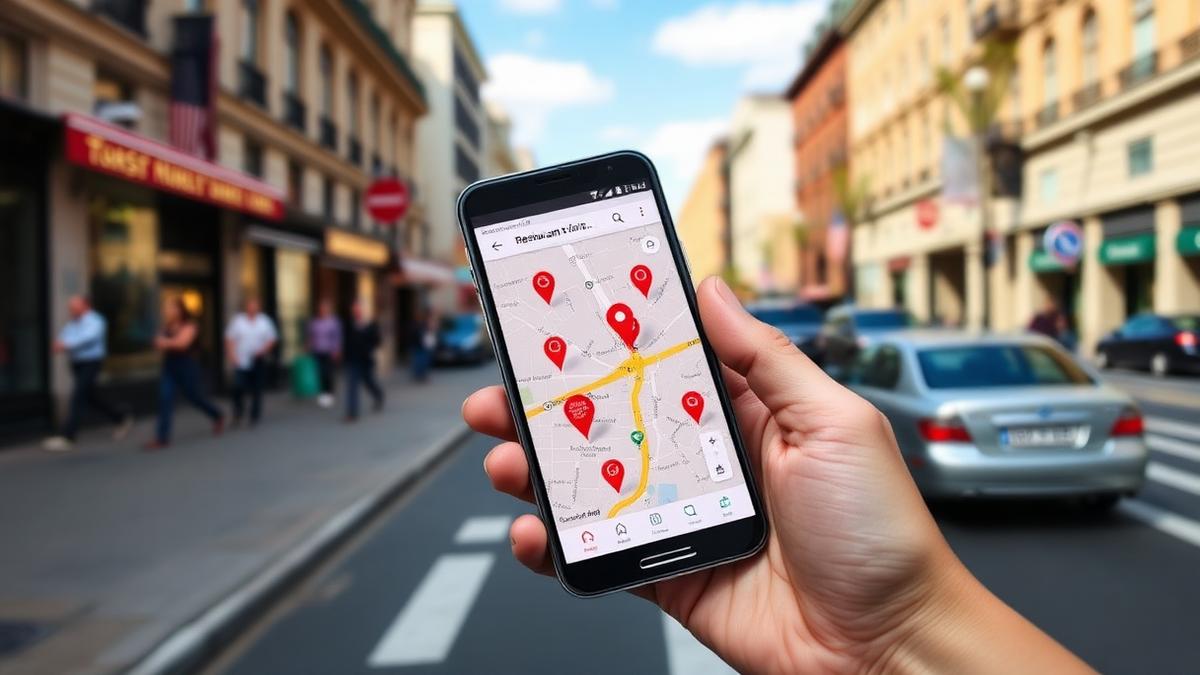
Finally, they click "Directions" or "Call." At this point, the digital host has successfully handed the guest off to your physical team.
The Empty Host Stand: What Happens When You Ignore Your Profile
We have all had that awkward experience. You walk into a restaurant, stand at the podium for three minutes, and nobody acknowledges you. You feel ignored. You start to wonder if the kitchen is just as disorganized. Eventually, you probably leave.
Operating a Google profile with unanswered reviews and outdated information feels exactly like that empty host stand.
| If your profile has... | The guest thinks... |
|---|---|
| Unanswered 1-star reviews | "They don't care about their customers." |
| Unanswered 5-star reviews | "They are too busy or disorganized to say thanks." |
| Old, blurry photos | "The place might be dirty or outdated." |
| Incorrect holiday hours | "I can't trust them to be open when I get there." |
When a guest leaves a review, they are talking to you. If you don't reply, you are turning your back on them while they are still standing in your lobby.
Why Staying "Staffed" Is So Hard
For an independent restaurant owner, the Google profile is usually the last thing on the to-do list. You are managing a line cook who didn't show up, a broken walk-in fridge, and a new wine list.
By the time you sit down late at night, the last thing you want to do is navigate the Google Business dashboard to reply to a review about a salty soup from Tuesday afternoon.
Because of this, most profiles stay unstaffed. Reviews go months without a reply. New menu items don't get posted. The digital host stand is abandoned, and you are likely losing potential guests every day because of it.
Your Second Host Stand Should Never Be Empty
Your Google profile works for you 24 hours a day. Even when your physical doors are locked and the chairs are on the tables, people are looking at your profile to see if they should visit tomorrow.
Imagine if you had a dedicated staff member whose only job was to stand at that digital podium. This person would:
That is the difference between a static listing and a living, breathing business.
How Wimi Staffs Your Second Host Stand
Wimi acts as an AI-powered host for your Google Business Profile, trained on 400+ restaurants' worth of reply patterns, so you can manage the chaos of local search without adding hours to your week.
Restaurants running Wimi save roughly 15+ hours a month that would otherwise go into managing this manually.
Try Wimi freeFrequently asked questions
- Why does my Google Business Profile matter before guests even arrive?
- Most guests research a restaurant on Google before walking in, so an outdated or unanswered profile creates a bad first impression before they ever reach your host stand.
- What should I check on my Google profile regularly?
- Check that your hours, photos, menu, and review replies are current, since each one answers a question a guest would otherwise have to ask in person.
- How much time does managing a Google profile take?
- Restaurants running Wimi save roughly 15+ hours a month compared to managing replies and updates manually.
- What happens if reviews go unanswered for a long time?
- Unanswered reviews, especially negative ones, can make a restaurant look neglected to guests browsing the profile before they decide where to eat.
Mahrukh Akram
Mahrukh Akram writes about local discovery and reputation for independent restaurants at Wimi.