How to Get Customers to Leave Glowing Reviews on Your Google Business Profile

Why Google Reviews Are a Restaurant's Best Marketing Asset
Google reviews function like a modern word-of-mouth recommendation. For restaurants, they're not just nice to have, they shape how a stranger decides whether to trust you before ever walking in.
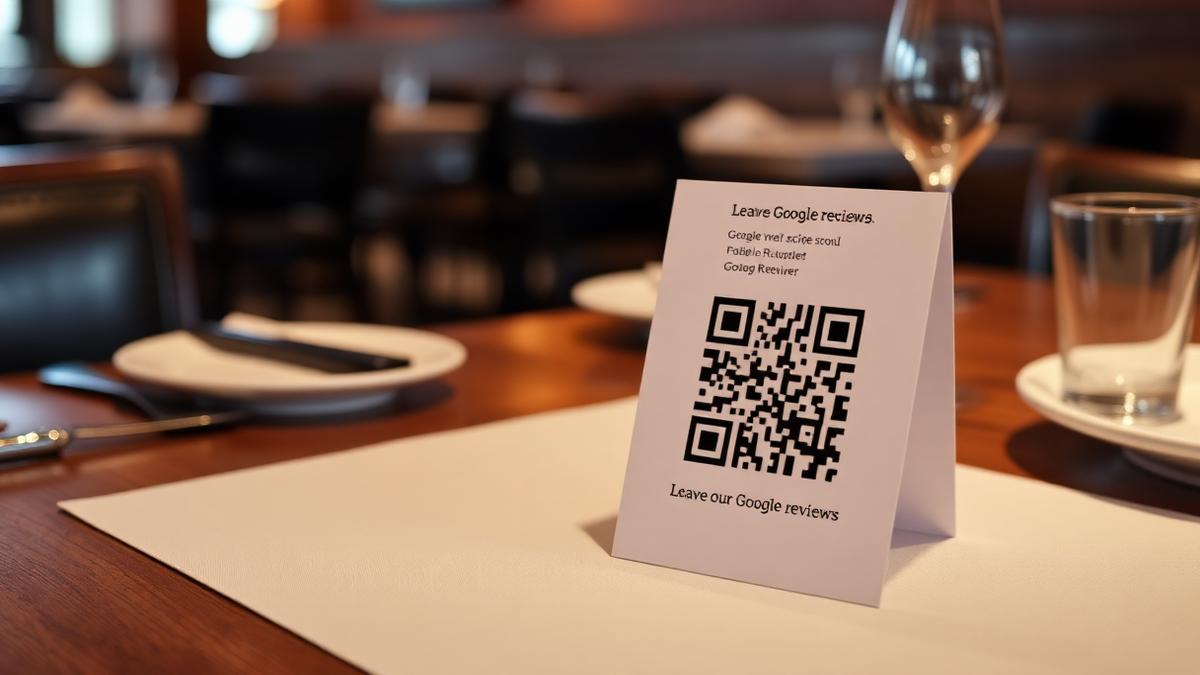
But here's the thing most operators get wrong: great reviews don't happen by accident. The restaurants with dozens of glowing, detailed 5-star reviews understand why people review in the first place, and time their ask accordingly. For the tactical side of asking (scripts, QR codes, timing templates), see the full guide to asking for Google reviews. This piece focuses on the psychology behind it.
The Psychology Behind Why People Leave Reviews
Understanding why people review helps you create the conditions for more of them:
Nail the Experience First
No review strategy can compensate for a mediocre experience. Before you focus on getting reviews, make sure you're delivering moments worth talking about:
The golden rule: Create moments guests want to tell people about.
The Moment You Ask Matters More Than the Words
Timing is everything. The best time to ask for a review is during the peak positive emotion, not when they're leaving and thinking about parking.
Best moments to ask:
Who should ask matters too: the server has the personal relationship, a manager's visit to the table feels special, and a personal ask from the owner, if present, carries the most weight.
Why Responding Also Generates More Reviews
This isn't just about reputation, it's about generating more reviews in the first place. When potential reviewers see that the owner responds personally, they're more likely to leave their own review, because it signals someone is actually reading them.
Independent restaurants typically reply to only about 15% of their reviews, while chains reply to over 50%, and restaurants that reply to every review see about 16% more calls, direction requests, and website clicks. For full response frameworks and templates, see the complete review reply guide.
Common Mistakes to Avoid
The Compound Effect of Consistent Reviews
Reviews aren't a one-time campaign, they're a compounding asset. More reviews tend to support higher visibility, and a steady stream of recent reviews matters more than a one-time push.
How Wimi Fits In
Getting consistent reviews should not depend on remembering to ask or finding time to respond. Wimi handles the response side automatically, with AI-powered review replies in your brand voice, smart alerts for negative reviews so you can jump in personally when it matters, and fresh Google Posts that keep your profile active.
Try Wimi freeFrequently asked questions
- Why do most customers actually leave a review?
- Most people review after an extreme experience, amazing or terrible, or simply because someone asked them to at the right moment.
- When is the best time to ask for a review?
- Ask during peak positive emotion, right after a compliment or when resolving an issue well, rather than as customers are leaving and distracted.
- Does responding to reviews actually generate more reviews?
- Yes, when potential reviewers see the owner responding personally, they're more likely to leave their own, since it shows someone is actually reading them.
- Where can I find the tactical scripts and QR code templates?
- Those live in the full guide to asking for Google reviews, since this article focuses on the psychology and timing rather than the tactics.
Mahrukh Akram
Mahrukh Akram writes about local discovery and reputation for independent restaurants at Wimi.