Your Google Profile Says You're Closed (But You're Not)
The Friday Night Horror Story
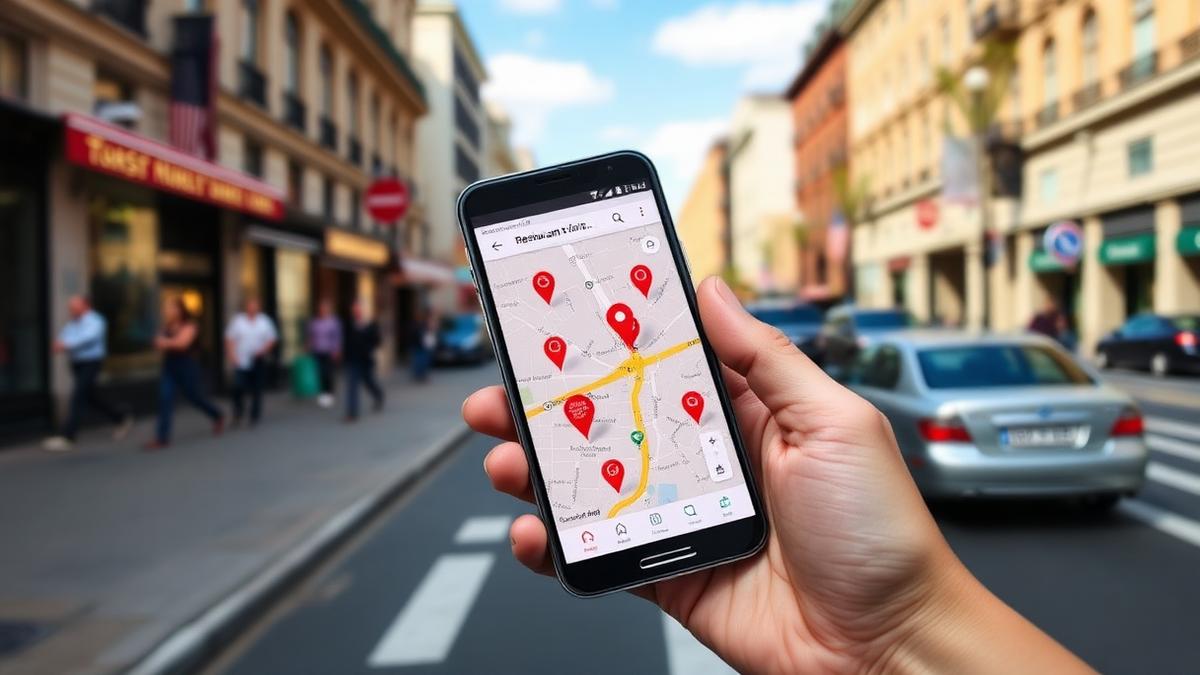
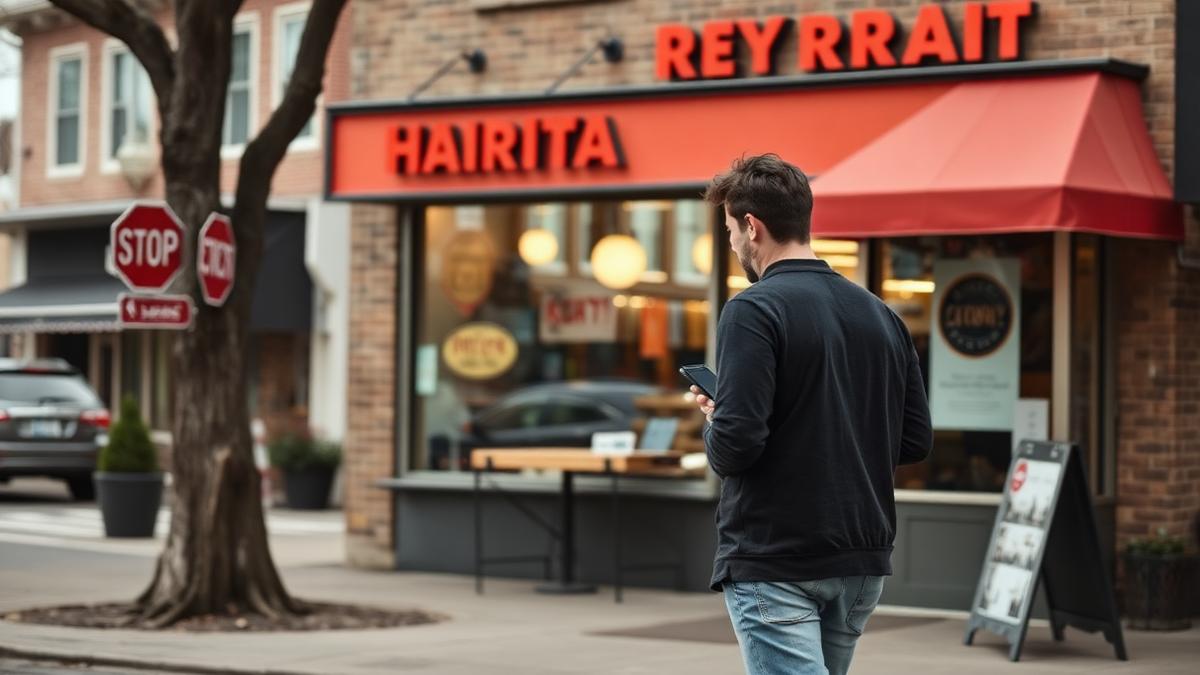
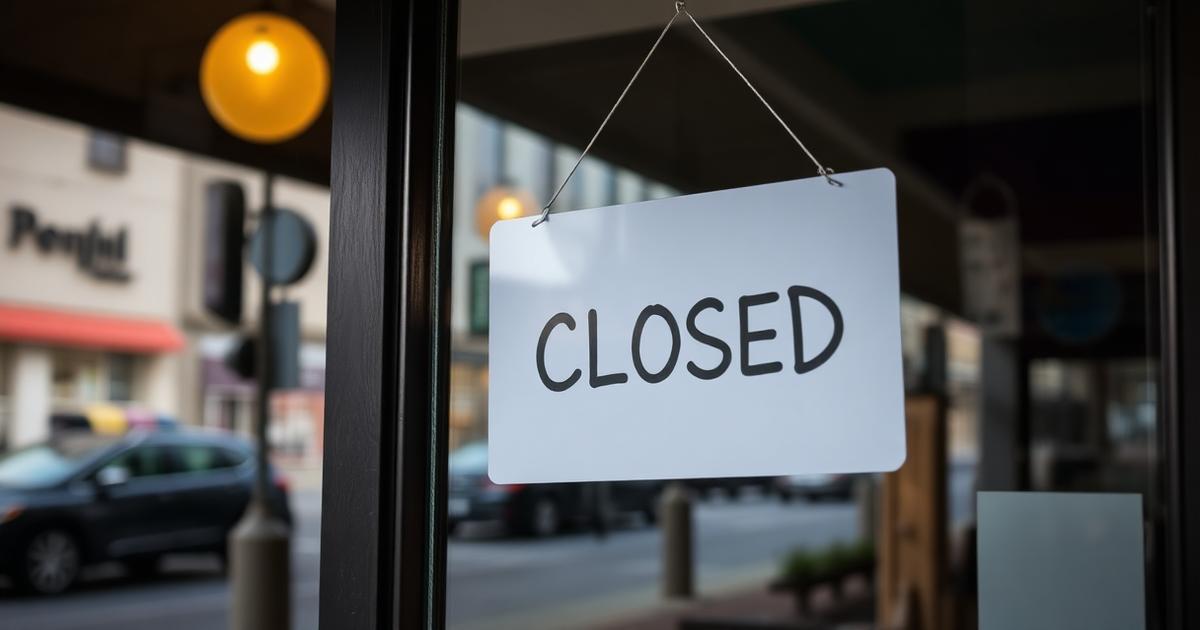
Picture this: It's 7 PM on a Friday. Your dining room is buzzing, the kitchen is firing on all cylinders, and the wait is 20 minutes. But across town, a couple searching "Italian restaurant open now" scrolls right past you because Google says you're closed.
This isn't hypothetical. It happens to restaurants every single day.
The Real Cost of Wrong Hours
When your listed hours are wrong, customers searching "open now" get filtered out of seeing you at all, and they end up walking to the competitor next door instead. We don't have a precise industry-wide dollar figure for this, but the mechanism is straightforward: if Google thinks you're closed, it won't recommend you to someone deciding where to eat right now.
Why does this happen?
7 Things That Make Google Think You're Closed
Here's your checklist. If any of these apply, Google may be suppressing your listing:
Your 5-Minute Self-Audit
Do this right now, it takes less time than brewing coffee:
If you failed more than two of these, your listing is likely underperforming.
Why Replying Matters Beyond Reviews
Independent restaurants typically reply to only about 15% of their reviews, while chains reply to over 50%. That gap matters because restaurants that reply to every review see about 16% more calls, direction requests, and website clicks, according to Wimi's analysis of reply activity. For a deeper walkthrough on responding well, see the complete review reply guide.
Your Marketing Partner
Imagine having a teammate who quietly handles your Google presence every day, without being asked:
Wimi acts as your always-on marketing partner. You keep the doors open, we keep the profile active.
Try Wimi freeFrequently asked questions
- Why does Google sometimes show my restaurant as closed when it's open?
- Stale hours, no recent photos, no Google Posts, and unanswered reviews all signal to Google that a listing may be inactive or unreliable.
- How often should I check my Google Business Profile hours?
- Check them at least monthly, and update special hours before any holiday or schedule change takes effect, not after.
- Does replying to reviews actually help my visibility?
- Restaurants that reply to every review see about 16% more calls, direction requests, and website clicks, so responsiveness is worth prioritizing.
- What's the fastest way to audit my listing?
- Google your own restaurant name, check hours, photos, your menu link, and your last five reviews; if more than two of those are off, your listing needs attention.
Mahrukh Akram
Mahrukh Akram writes about local discovery and reputation for independent restaurants at Wimi.