The One Photo Every Restaurant Must Fix on Google (And How It Affects Bookings)
Your First Impression Isn't Your Front Door
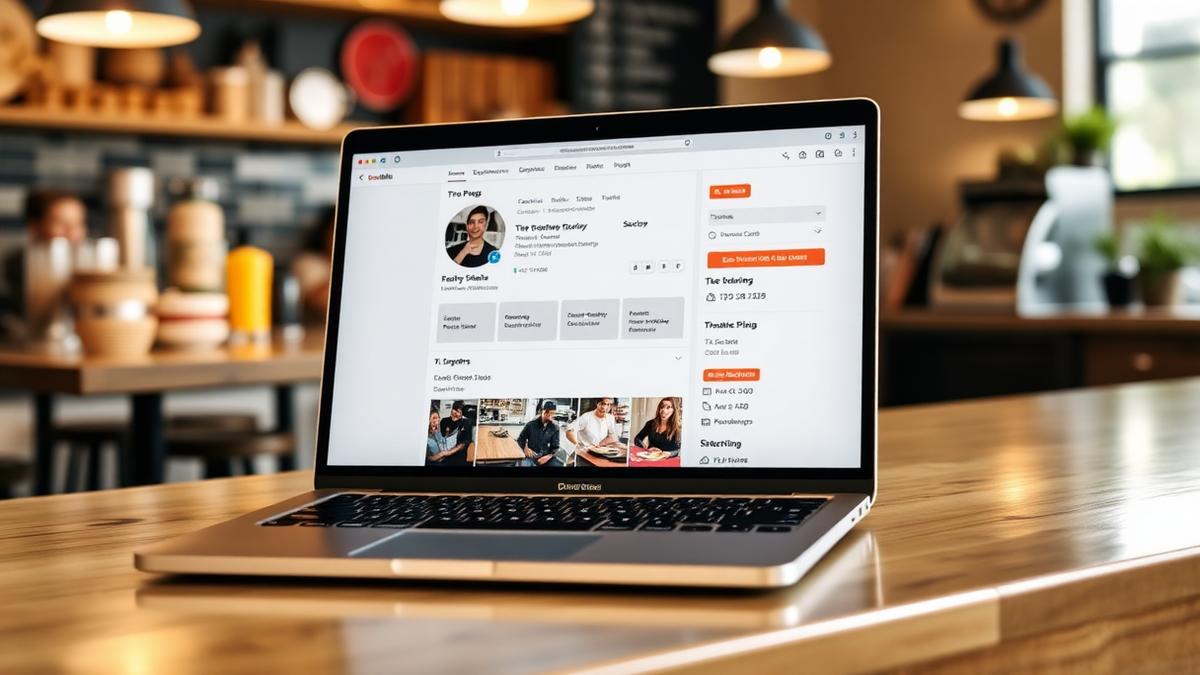
When someone searches for your restaurant on Google, the first thing they see isn't your dining room. It's a photo, specifically, the first 1-3 images in your Google Business Profile.
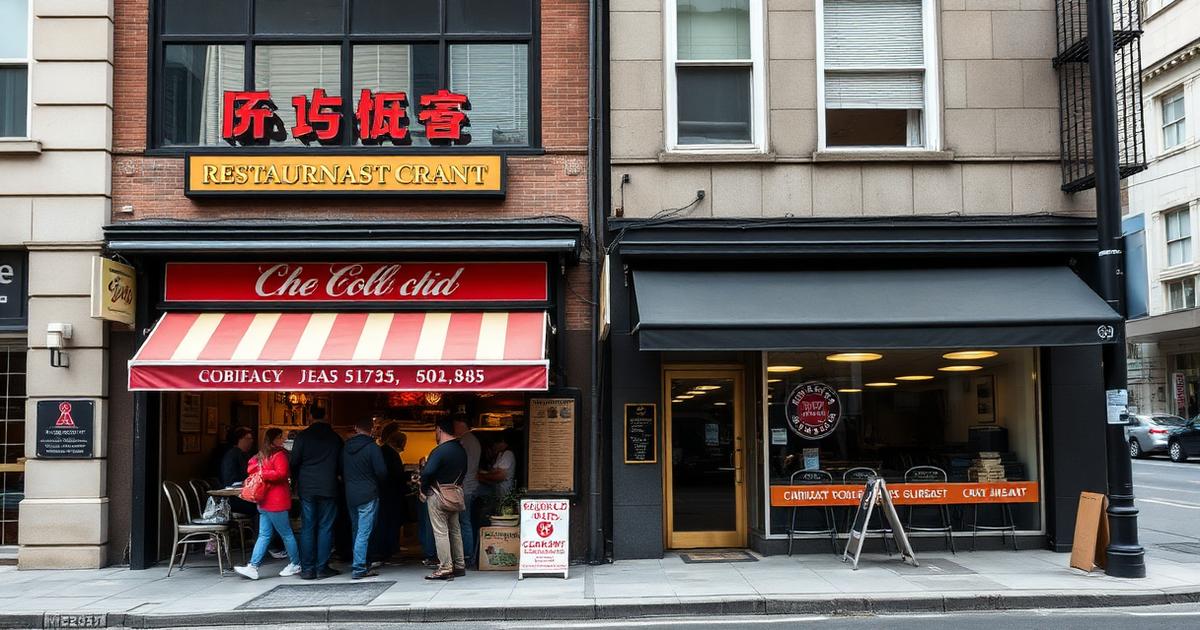
And for far too many restaurants, that photo is:
This single image plays a real role in whether someone taps "Directions" or scrolls to the next result.
How Photos Influence the Decision
The customer journey on Google looks like this:
Steps 3 and 4 happen quickly. Your hero photo is doing a lot of the selling before your menu description even gets read.
The Hero Photo Checklist
Your Google profile's primary photo should check every box:
Avoid using your logo, a selfie, or a shot of an empty room as your primary image.
The 10-Minute Phone Photo Shoot
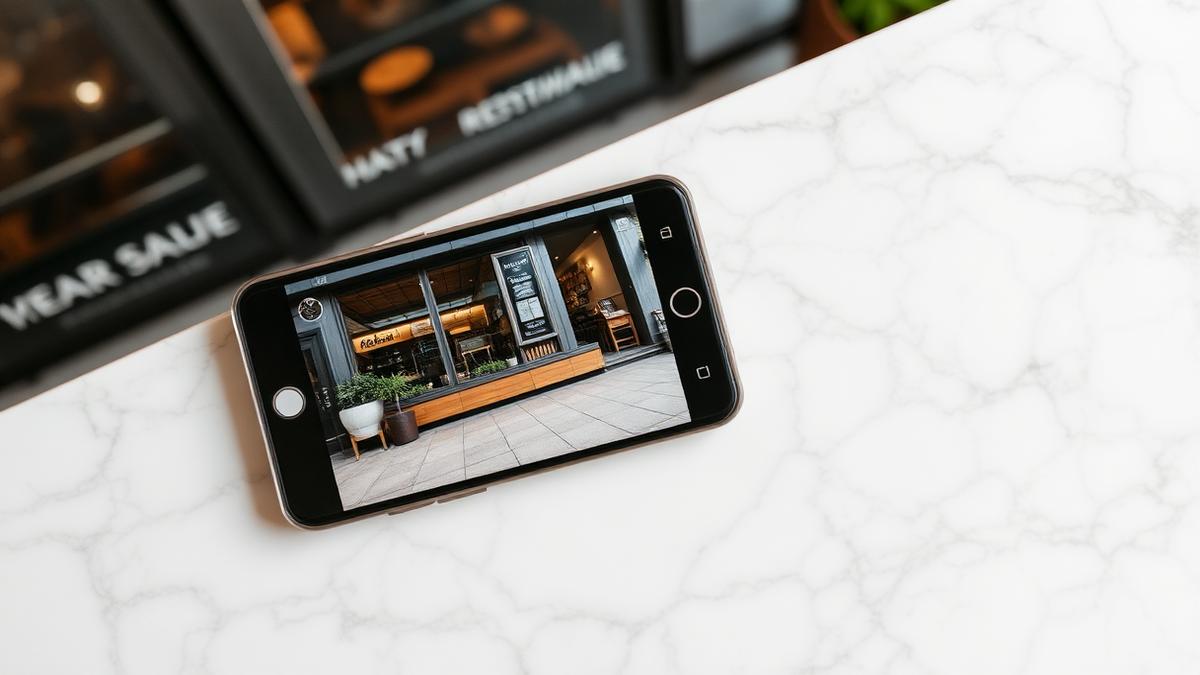
You don't need a photographer. You need 10 minutes and your phone:
Minute 1-2: Set up
Minute 3-5: Plate your best dish
Minute 6-8: Shoot
Minute 9-10: Pick and upload
That's it. Ten minutes that could change how potential customers see your restaurant this month.
Keep Your Gallery Fresh
One great photo isn't enough long-term. Google rewards fresh content. Set a rhythm:
Keep Your Google Presence Active
Great photos are just one piece of looking professional on Google. The other pieces are replying to every review and posting regular updates; see the complete review reply guide for the reply side.
Wimi handles both. Every Google review gets a thoughtful reply in your voice, and fresh posts about your specials and events go out on schedule. Your food deserves to be seen, and your Google profile deserves to look as good as your dining room.
Try Wimi freeFrequently asked questions
- Why does the first Google photo matter so much?
- It's often the first thing a searcher sees before reading your menu or reviews, so it plays a real role in whether they tap through or scroll past.
- What should my hero photo show?
- A beautifully plated signature dish in natural light with a clean background works best, not a logo, selfie, or empty room.
- Do I need a professional photographer?
- No, a phone photo taken in good natural light with a clean table setup is enough for most restaurants.
- How often should I refresh my Google photo gallery?
- Add new photos weekly for specials, update your hero photo monthly for seasonal changes, and do a full review each quarter.
Mahrukh Akram
Mahrukh Akram writes about local discovery and reputation for independent restaurants at Wimi.